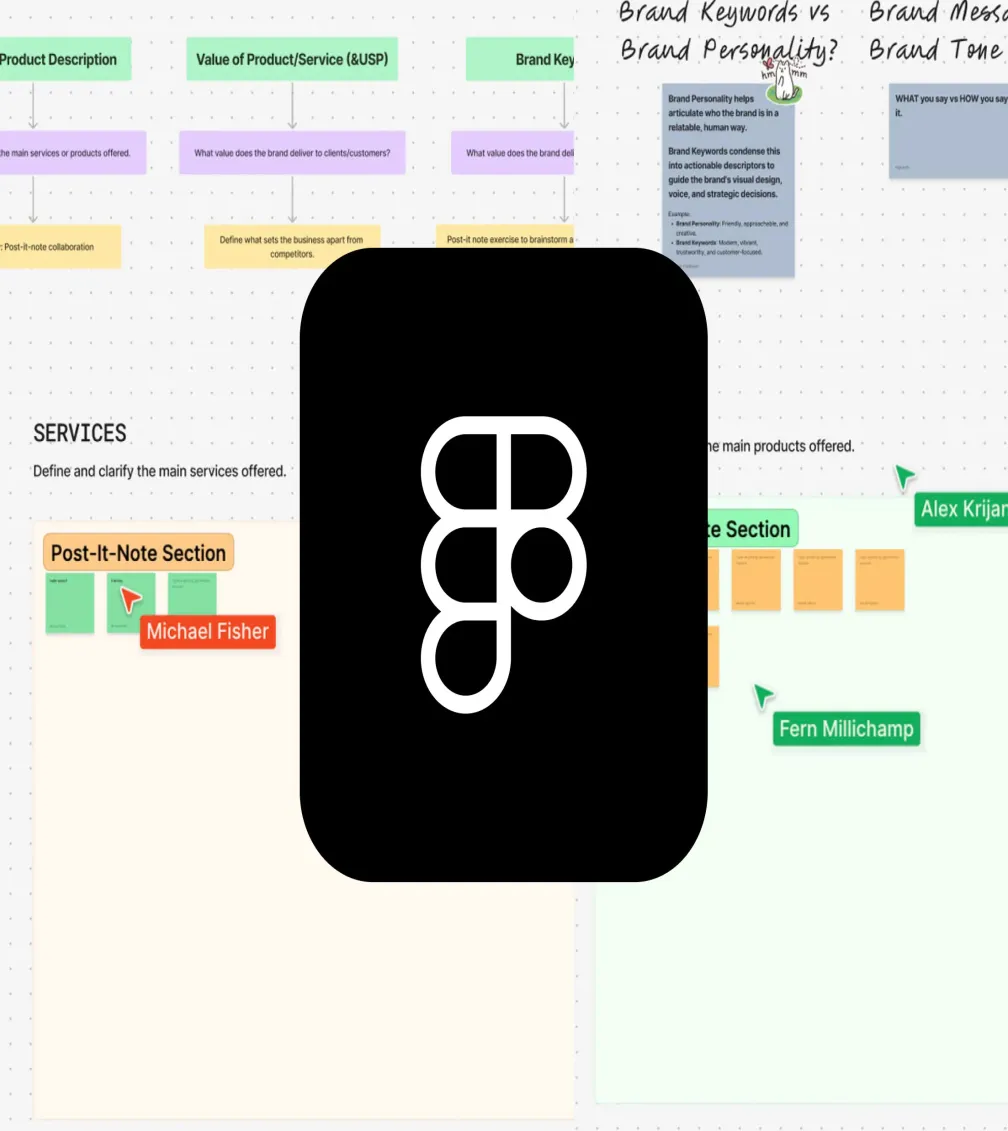
The role of a designer has always been about more than just a nice visual, it’s about creating thoughtful, functional solutions that resonate with users. However, as the design landscape has evolved, so too has the role itself. Today, designers have access to tools that give us greater control over our work, enabling us to build impactful responsive systems and experiences.
This shift has pushed us to continuously challenge ourselves, stay on top of new tools, and expand our skill sets. With features like auto layout, constraints and variables in Figma, designers now think not just in terms of visuals, but also in terms of how designs respond and function, just like developers do. Our role has grown, and as we adapt to new technologies, we become even more integral to the process of creating truly cohesive and dynamic user experiences.
With Figma constantly evolving and creating more intuitive tools, designers can spend less time on the small stuff and more time focusing on big-picture thinking.

Streamline Your Workflows
Figma has become the go-to tool for modern design teams, not just because of its collaborative nature but because it allows designers to work more efficiently without sacrificing quality.
Getting started is often the hardest part. Whether it’s a new landing page or a full design system, building from scratch can be time-consuming. The Figma Community is an invaluable resource, offering a vast library of UI kits, wireframe templates, and component libraries that streamline workflows without sacrificing flexibility. Instead of reinventing the wheel, designers can tap into a wealth of ready-made assets, freeing up time to focus on strategy, creativity, and problem-solving.
Figma has also recently introduced an AI-powered wireframing tool, which, while still a bit rough around the edges, shows great potential. It can generate layouts in seconds, providing a solid starting point to refine and build upon.
Auto Layout: Designing with Development in Mind
Manual resizing, alignment, and endless tweaks to responsive layouts can easily consume a designer’s time. Figma’s Auto Layout streamlines this process by ensuring designs adapt and scale dynamically, eliminating the need for constant adjustments. No more manually resizing buttons when text changes or realigning elements as layouts shift. Components now behave more like real UI elements. This not only makes the transition to development smoother but also encourages designers to think more like developers. Just as devs structure layouts with divs and flex containers, designers must now apply the same logic when using Auto Layout and constraints, bridging the gap between design and development in a way that benefits both teams.
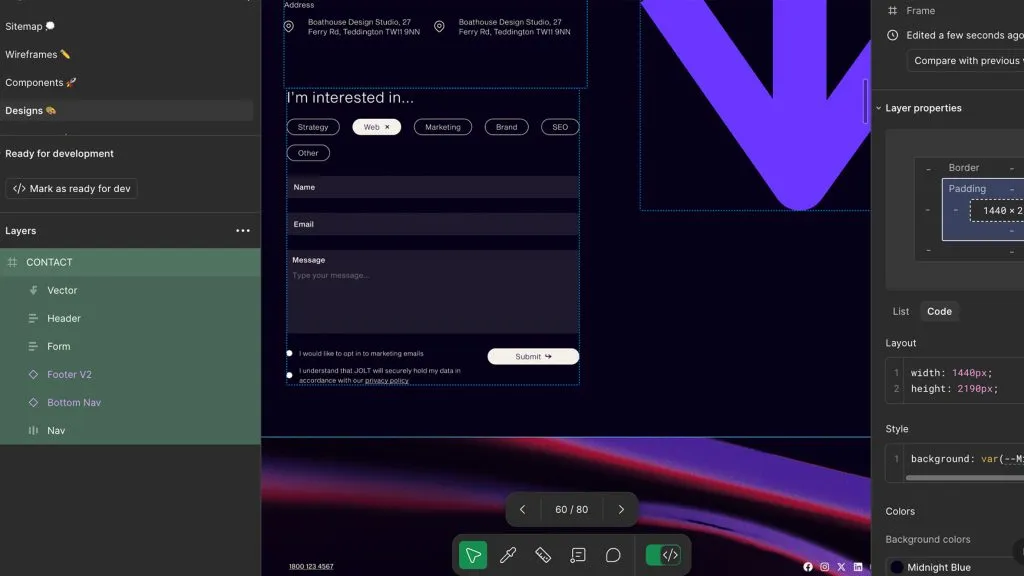
More than just a time-saver, this shift frees up space for designers to focus on what really matters: strategy, creativity, and crafting better user experiences. By embracing a systematic approach to design, the process becomes more efficient, collaboration improves, and the final product is stronger. Understanding how interfaces and components respond across devices and screen sizes is no longer just a developer’s job, it’s an essential part of modern design thinking.
The Future of Smarter Design
As design tools continue to evolve, so do the expectations of designers. But the future isn’t about working harder, it’s about leveraging the right tools to automate the repetitive, simplify the complex, and make space for creative thinking.Figma is just one example of how design is shifting towards efficiency, scalability, and deeper collaboration with development. The question now is: how can designers continue to evolve alongside these tools to stay ahead?
Need help with all things design? Drop us a message!